

Restaurant customer segmentation means splitting your guests into groups based on what they do, so each group gets a campaign that fits. In Thanx, each group is a segment: a set of rules like "guests who made their first purchase 14 days ago and haven't come back." You use segments to decide who receives a campaign, a reward, a hidden menu item or an Access Pass. This article covers how segments work, the ways to build them, what you can segment on, how to test them and a long list of examples you can copy.
How segments work
A segment is a rule, not a fixed list. Thanx updates guest data every hour, so guests move in and out of a segment as they visit, order, earn and redeem. A segment for "guests who haven't visited in 60 days" picks up new guests every day and drops anyone who comes back.
Your CRM holds two kinds of guests. Members joined your program themselves and agreed to its terms. Email subscribers were imported or added to your mailing list, and you can market to them the same way, but their profiles have less data unless you also import custom attributes. Most segments can include either group or both.
You can use a segment in:
- One-time campaigns
- Automated campaigns, which send to each guest as they enter the segment
- Challenges, which use separate segments to announce, remind and reward
- Hidden menus and Access Passes, so only that segment can see or use them
Two things to know about automated campaigns. Guests who are already in the segment when the automation starts will not receive it. If you want to reach them too, send a one-time campaign to the segment first, then start the automation.
Three ways to build a segment
Prebuilt segments
Thanx includes a library of more than 90 ready-made segments covering account status, activation, lifecycle, frequency, cart abandonment, lifetime value, retention, satisfaction, tiers, daypart and VIP guests. Find them by category in your dashboard. They are the fastest place to start, and you can use them as they are.
SegmentAI
Describe the guests you want in plain language and SegmentAI builds the rules. It asks a follow-up question when a request could mean more than one thing, and you can keep refining in the same conversation. Always review the rules it shows you before saving. Complex requests with several layers sometimes need a second pass, and a condition can occasionally be applied more broadly than you meant. A few attributes, like special occasions collected through the forms integration and purchase tags added by a partner, are built with your Thanx team instead. See SegmentAI: AI-powered segment builder.
Custom segments with your Thanx team
For targeting that the library and SegmentAI don't cover, request a custom segment from the Targeted Campaigns page in your dashboard or email merchant.support@thanx.com. Our team builds it, reviews it and makes it available in your dashboard. See Custom Segments.
What you can segment on
- Membership: Date added to your CRM, date joined the program, imported subscribers vs members
- Purchases: Purchase amount, purchase date, preferred daypart, location, menu items, total spend, number of purchases, most recent purchase
- Frequency: Exactly, more than or fewer than a number of purchases in each of the last several months
- Digital orders: When a cart was last updated, whether it became an order, items and quantities in digital orders, when an order was placed
- Feedback: When feedback was left, the rating given, the guest's most recent rating
- Rewards: Reward state (like unused or expired), the campaign that issued it, the reward type, when it was delivered or used
- Points: Points balance, points expiring within a window, points that recently expired
- Tiers: In or not in Bronze, Silver or Gold
- Special occasions: Occasions guests enter through the forms integration, like an anniversary, and how far away they are
- Custom attributes: Any name and value pair you upload by spreadsheet or through the API, like favorite_flavor: chocolate
Spend and purchase count rules can be limited to a location, a set of locations, a menu item or a channel. For example, "guests who spent more than $100 on digital orders" or "guests with 5 or more purchases at 1 Main St." The full list is in the Comprehensive Segmentation Attributes Guide.
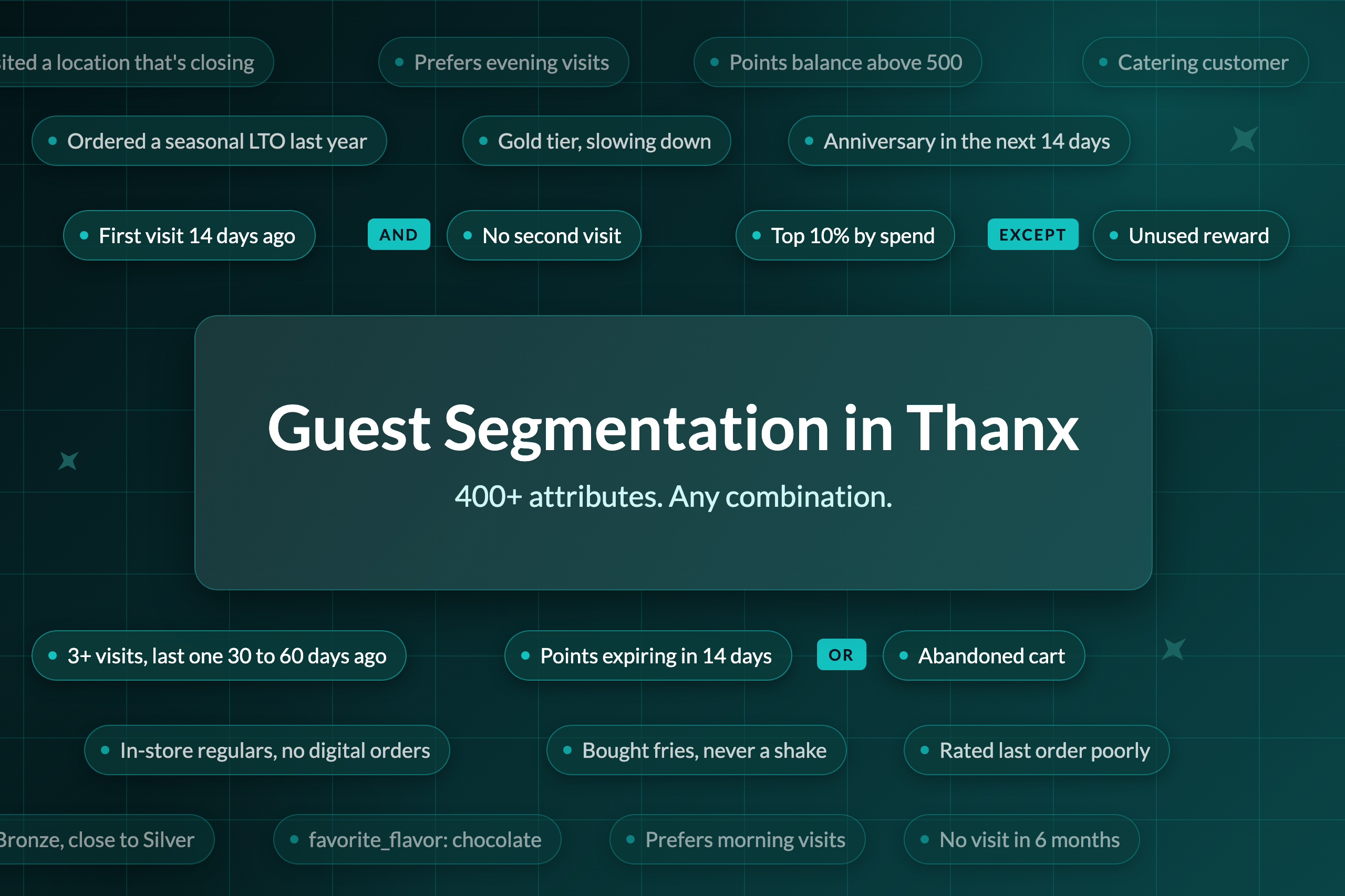
Combining rules
Every attribute can be combined with any other.
- AND: Guests must match both rules. Example: Guests who bought fries AND made a purchase in the last 30 days
- OR: Guests can match either rule. Example: Guests who bought a burger OR a shake
- EXCEPT: Removes guests who match the second rule. Example: Guests who bought fries EXCEPT guests who purchased this week
- Nested: Groups rules inside other rules. Example: Guests who bought fries EXCEPT (guests who purchased this week OR guests with an unused reward)
When a rule covers a time window, set both ends of it. "Joined before 1 day ago AND after 2 days ago" means guests who joined between one and two days ago. If you flip the two dates by mistake, the segment matches nobody, which is a safer mistake than sending to the wrong guests.
Testing
Control groups
Every campaign holds back a small share of the segment as a control group by default. Those guests receive nothing, and the campaign report compares what they spent with what the messaged guests spent, so you can see how much the campaign changed. You can turn the control group off on the review screen, but we don't recommend it, because without it you can't tell incremental visits from visits that would have happened anyway.
A/B tests
You can A/B test automated campaigns with up to four variants, including a control, and the reward itself can be one of the things you test. A typical test runs four versions side by side: message only, message plus $5 off, message plus 10% off, and a control group. Compare the variants against the control in the campaign report. See How to A/B test an Automation [link to add].
What to test
The segment and the offer are both worth testing. Some useful tests:
- Timing: a second-visit nudge at 7 days vs 14 days vs 30 days after the first visit
- Offer vs no offer: a progress reminder vs the same reminder with a reward
- Offer size: $3 off vs $5 off vs a free item
- Segment definition: win-back at 45 days vs 60 days, or for guests with 3+ visits vs all guests
- Reward type: a discount vs an Access Pass experience vs a hidden menu item
Change one thing per test so the result tells you what made the difference.
Before you launch
Check the guests your segment matches. Click into a few of the example guests shown and confirm they look like who you meant to target, then check that the segment size makes sense. If you are targeting loyalty members, the size should be close to what your reports show for that group.
Frequency capping
Thanx automatically excludes guests who received an incentive from any campaign in the last 14 days. This applies across all your campaigns at once, so a guest who falls into several segments doesn't get several offers in the same week. It only counts campaigns that carried an incentive, so a plain announcement doesn't use up a guest's 14 days. You can override it for a single campaign on the review screen. Automations that can send to the same guest more than once also take an exclusion period you choose, like once a month or once a quarter, so guests can't game a win-back reward by staying away.
Benchmarks to plan around
These figures come from loyalty member purchases at restaurant brands live on Thanx since at least mid-2024. New guest figures follow about 2 million guests who made their first visit between January and June 2025, tracked for 12 months. The rest cover the 12 months through October 2026. Your numbers will vary by concept, so check them against your own reports.
- About 47% of new guests never make a second visit. Of guests who do return, 41% come back within 30 days, and the median gap is 49 days.
- About 67% of guests who make a second visit go on to make a third.
- Guests with three or more visits in their first 120 days spent $267 on average in their first year, about 4x the $66 spent by everyone else.
- The top 10% of members at each brand drove 47% of member revenue, and the top 20% drove 64%.
- Guests who ordered both in-store and online were 16% of members and 35% of member revenue. Part of that gap is because guests who visit more have more chances to use both channels.
- The average cart abandonment rate across Thanx merchants is 20%.
How likely a guest is to return within 90 days, by days since their last visit:
- 0 to 30 days since last visit: 55% of all members, 27% of guests with 1 prior visit, 69% of guests with 3+ prior visits
- 31 to 60 days since last visit: 38% of all members, 20% of guests with 1 prior visit, 53% of guests with 3+ prior visits
- 61 to 90 days since last visit: 30% of all members, 18% of guests with 1 prior visit, 43% of guests with 3+ prior visits
- 91 to 180 days since last visit: 19% to 25% of all members, 10% to 13% of guests with 1 prior visit, 29% to 36% of guests with 3+ prior visits
- 181 to 365 days since last visit: 12% of all members, 8% of guests with 1 prior visit, 19% of guests with 3+ prior visits
- More than 365 days since last visit: 3% of all members, 2% of guests with 1 prior visit, 4% of guests with 3+ prior visits
Examples
Each example gives the segment in plain language and a way to use it. Swap in your own numbers, items and locations.
New guests
- Joined more than 7 days ago and haven't made a purchase: Remind them of their intro reward instead of sending a new offer
- Have an unused intro reward and joined in the last 14 days: Reminder that the reward is waiting and when it expires
- First purchase 14 days ago and no second purchase: Second-visit nudge. Test 7, 14 and 30 days, since 41% of returning guests come back within 30 days
- First purchase included a specific item and no second purchase: Personalize the second-visit message around what they ordered
- Only one purchase and that purchase was rated poorly: Apology and a reason to try again, sent quickly
- Joined and made their first purchase in the app: Compare against guests who joined in-store to see which channel brings in better guests
Building habits
- Exactly 2 purchases, first purchase in the last 120 days, no purchase in the last 14 days: Third-visit push built around progress toward their first reward
- First purchase 30 days ago with no second or third purchase: Announce a challenge: visit twice more in 30 days to earn a reward
- Exactly 1 purchase in each of the last 3 months: Challenge them to visit 3 times next month
- 1 to 2 visits in the last 6 months: Low-frequency guests to test a stronger offer on
- Visited 1 time in the last 30 days and 3+ times in the 90 days before that: Regulars whose visits are slowing, worth a nudge before they lapse
Win-back
- 3+ purchases and last purchase between 30 and 60 days ago: Regulars at the point where 53% still come back on their own. Test a reminder vs a reward
- 3+ purchases and no purchase in the last 90 days: At-risk regulars. Stronger offer, since only 36% to 43% return within 90 days
- 3+ purchases and no purchase in the last 6 months: Lost regulars. Your biggest win-back offer, sent once
- Lifetime spend above $X and last purchase more than 90 days ago: Go big to win back your highest-value guests
- 1 purchase only, more than 90 days ago: Keep the offer small. 13% or fewer of these guests return
- Earned a reward but haven't purchased in the last 30 days: Remind them the reward is waiting
For any win-back campaign, add an EXCEPT rule for guests whose first purchase was in the last 120 days and who have fewer than three purchases. They are still new and shouldn't get a win-back offer.
Best guests
- Spent more than $X in the last 12 months (set $X at your top 10%): Access Pass to skip the line or attend a tasting event. These guests drive close to half of member revenue
- 10+ purchases in the last 6 months: Early access to a new LTO before it launches
- Lifetime spend above $X and most recent rating below 8: Unhappy VIPs. Personal follow-up from your team
- Ordered a specific item in 4 of their last 5 purchases: Hidden menu item that builds on their favorite
- Purchased at least once in each of the last 4 months and never spent more than $X on one order: High-frequency, low-check guests to target with an add-on or upsell
Rewards and points
- Points expiring in the next 14 days: Expiring-points reminder
- Points expiring in the next 14 days and no purchase in the last 30 days: Reminder with a stronger reason to come back
- Points balance above X and no reward redeemed in the last 60 days: Show what they can redeem now
- Lifetime spend above $X and never redeemed points: Encourage a first redemption to build the habit
- Unused reward from a specific campaign: Follow-up reminder before it expires
- 5+ purchases in the last month and an unused reward: Frequent guests who may not know they have a reward
Digital orders and channel
- Cart updated more than 1 hour ago EXCEPT carts that became orders: Cart abandonment reminder
- Abandoned cart that would have been their second purchase: Stronger nudge than a regular's abandoned cart
- Abandoned cart and first order was rated poorly: Recovery message before a reminder
- 3+ in-store purchases in the last 90 days and no digital orders: Introduce online ordering or the app with a digital-only perk
- 4+ app orders in the last month and fewer than 2 in-store visits: Give digital-only guests a reason to visit in person
- Ordered a specific item online in the last 30 days: Promote a related item or a new flavor
Menu items
- Purchased item A EXCEPT guests who purchased item B: Cross-sell item B to guests who already like A
- Ordered a discontinued item in the last 6 months: Tell them when it comes back, or suggest a replacement
- Ordered a seasonal LTO last year: Announce it first when it returns
- Has never ordered items A, B or C: Passport challenge: try all three to earn a reward
- Ordered an item 5+ times EXCEPT guests with an unused reward for that item: Reward their favorite
Location and daypart
- Visited a location that is closing or remodeling: Point them to the nearest open location
- Purchased at the locations closest to a new store in the last 90 days: Grand opening invitation
- Visited location X EXCEPT guests who visited location Y: Introduce a nearby location they haven't tried
- Prefer to visit in the morning: Promote lunch or afternoon items to fill a slower daypart
- Prefer evening visits and no purchase in the last 30 days: Dinner-specific win-back
Tiers
- Spent more than $X this calendar year and in Bronze: "Spend $50 more to reach Silver"
- Gold tier with fewer than 2 purchases in the last 3 months: At-risk VIPs, worth a personal touch
- Bronze tier with 5+ purchases in the last month: Guests close to an upgrade
- Gold tier and most recent rating was negative: Priority follow-up
Special occasions and custom attributes
- Anniversary in the next 14 days: Occasion reward, larger for high-spend guests
- 5+ purchases and no special occasion entered: Invite regulars to add their occasions
- Custom attribute favorite_flavor includes chocolate: Promote a new chocolate item to the guests most likely to want it
- Custom attribute from your catering system, like catering_customer: yes: Promote catering to guests who already order it, or exclude them from a catering launch offer
Related articles
Popular guides and tutorials